
Tor Browser + Turbo VPN: The best match for your browser security

Turbo VPN
2024/05/11
Tips & Tricks
Last updated:
2024/05/11
2 minutes


In this era where online privacy and security are becoming increasingly serious, the Tor Browser has emerged as an essential safeguard choice for many internet users. However, questions about their effectiveness and the best practices for maximizing their potential should still be censored.
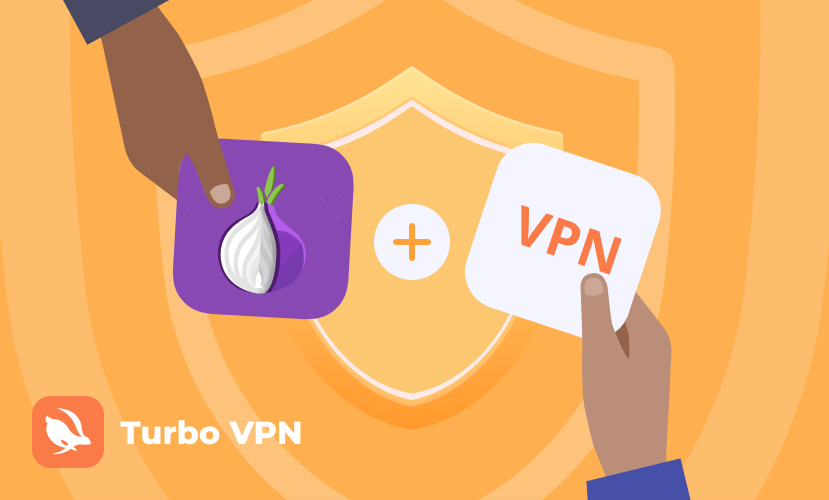
Is Tor browser safe?
Tor, short for “The Onion Router,” is a powerful tool designed to protect users’ online privacy by routing internet traffic through a global network of volunteer-run servers. It also obscures users’ IP by encrypting data multiple times and bouncing it through randomly selected relays, which makes it difficult for third parties to track.
While the Tor Browser provides a significant level of anonymity, it’s essential to recognize its limitations, users may still be vulnerable to certain attacks, such as malicious exit nodes or traffic correlation attacks, which can compromise their privacy. However, using a safe VPN browser can offer additional layers of security and anonymity
Need a Tor VPN to improve your Tor browser security?
Turbo VPN outstands with the following highlights:
1. Enhanced Privacy
Free Turbo VPN version offers a strict no-logs policy and strong encryption protocols, additionally, if you have the premium version, it also offers features like kill switches and DNS leak protection to ensure your online activities remain private. Turbo VPN also can encrypt users’ internet connection and route it through a remote server, masking their IP address and location. Combined with Tor, this creates a more formidable barrier against surveillance and tracking attempts.
2. Location Masking
Turbo VPN allows you to mask your IP address and appear as though you’re browsing from a different location, further obscuring your identity and location.
3. Protection Against Malicious Exit Nodes
Turbo VPN encryption helps lower the risks posed by malicious exit nodes in the Tor network, reducing the likelihood of traffic interception or manipulation.
How to use VPN on Tor Browser?
1. Connect to a service before using Tor Browser
Start by connecting to your VPN service before launching the Tor Browser. This ensures that your internet traffic is encrypted from the outset, adding an extra layer of protection before it enters the Tor network.
2. Remake Tor Browser Settings
Adjust the Tor Browser settings to optimize its compatibility with the safe VPN. Disable JavaScript and other potentially revealing features that could compromise your anonymity. Additionally, you can consider using Tor bridges to hide your Tor usage from network surveillance.
3. Regularly Update Software
Keep both your Tor Browser and Turbo VPN client updated to the latest versions to patch any security vulnerabilities and benefit from performance enhancements.
Generally speaking, the Tor browser is a good choice for users who want to protect their online trace and prevent being hacked, while to some further degree, it is recommended to use Turbo VPN to assist Tor, just like having double insurance for your Internet security. Now don’t hesitate! Download the Turbo VPN to enjoy your better online surfing.


Protect Your Privacy on TikTok: How Turbo VPN Keeps Your Data Safe
2025 मा Telegram का लागि उत्तम VPN: निःशुल्क र सुरक्षित पहुँच

Why Is Claude Unavailable in Some Regions? What Users Should Know
